
How to Save Hours Each Week With Mockup Automation (My Story & Why I Built mockupgenerator.org)
How I turned hours of repetitive mockup work into a fast, automated workflow — and why I built mockupgenerator.org to help other POD sellers do the same. Discover how mockup automation, batch creation, and consistent Etsy-ready visuals can save you time, boost your listings, and simplify your entire product image process.
When I first started selling print-on-demand products back in 2018, I spent more time making product images than creating new designs. Every poster, every T-shirt, every variation needed its own mockup. Opening Placeit or Photoshop, adjusting layers, exporting one file after another… it easily took hours. At some point, I realized I was spending more time preparing visuals than actually growing the business and it drove me crazy. I knew this problem wasn’t only mine — every POD seller feels the same pain.
At some point, I thought — there has to be a way to automate this. So I teamed up with a friend, and he helped me build a solution that worked locally on my computer. It automated the manual work of opening a mockup, placing a design in the smart object layer, saving, exporting, etc., and repeating it again and again. It felt like a miracle for me.
After showing it to a few friends who also sell POD products, they wanted to use it too. So years later I decided to turn it into a SaaS for Etsy and Shopify sellers — whether you’re selling posters, canvas prints, t-shirts, or hoodies.
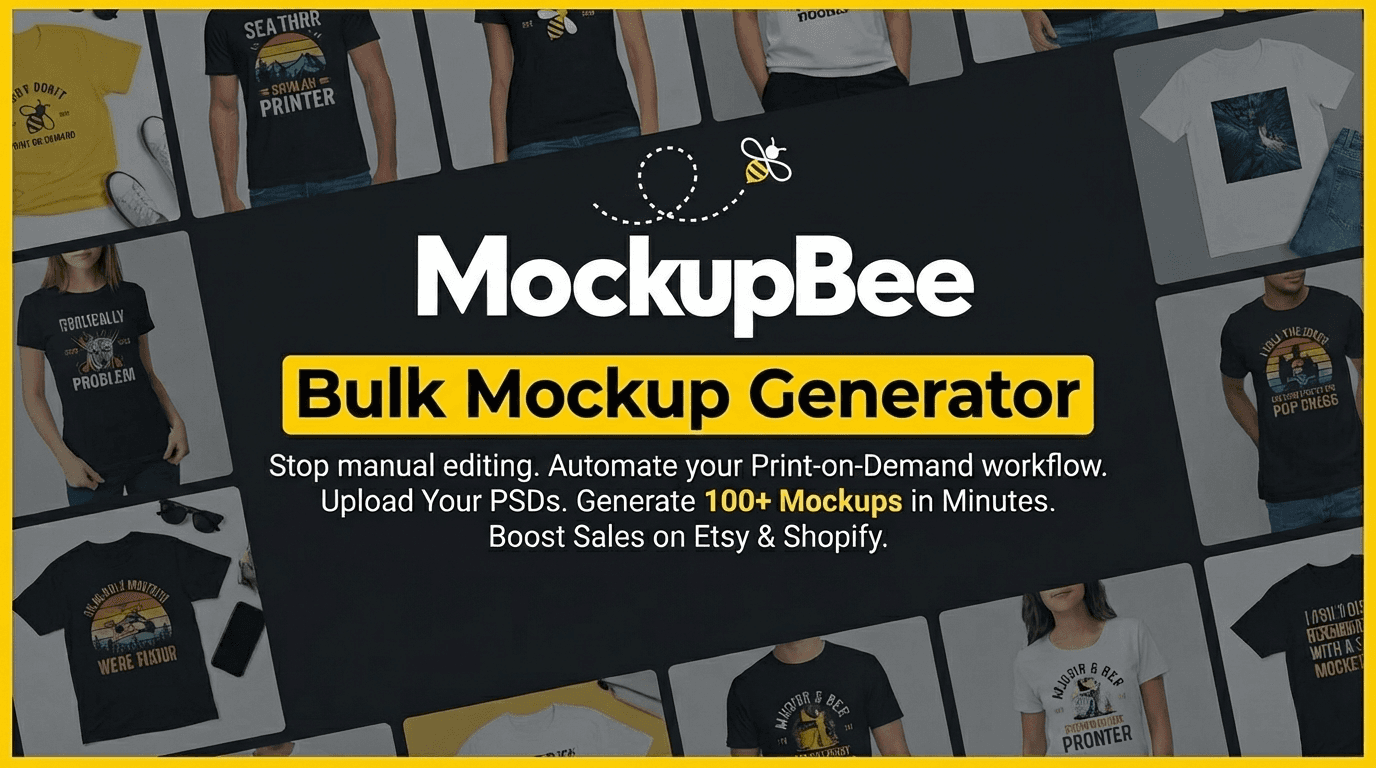
So I decided to built mockupbee.io. To solve problem I was facing and hopefully helping others as well. I wanted a mockup generator didn’t require Photoshop skills, didn’t require Photoshop licence, and could instantly produce high-quality automated mockups that look great on Etsy or Shopify. A tool made by someone who actually understands how tiring the process is.
Why automation changes everything
When you run a POD business, the workload grows faster than you expect. One moment you’re making a few poster mockups or T-shirt mockups, and the next you’re producing hundreds of print on demand mockups just to keep up with new designs, colors and formats. The image production snowballs quickly. That’s where mockupbee.io automation steps in and completely transforms the workflow.
High-quality Etsy product images play a huge role in attracting clicks and improving trust, which directly influences your Etsy listing optimization. Automated tools help you maintain a consistent visual style across your entire shop — something that’s almost impossible to achieve manually.
Step-by-step: how to use it
1. Create an account and log in
Visit mockupbee.io and sign up. You will receive 100 free credits that will allow you to generate 100 mockups.
2. Upload your designs
Add multiple files at once - up to 50 designs. Once uploaded, the system prepares for smooth batch mockup creation.
3. Choose your product type
Pick what you’re selling — posters, T-shirts, Hoodies, or other categories. Each template is pre-sized 1:1 aspect ratio for ecommerce platforms.
4. Choose a scene or template
Select from layouts designed to perform well for your product, especially in search thumbnails where clarity matters most.
5. Apply designs automatically
Now you have to click “Generate”. With a single click, your designs are applied across all templates you choosed, generating a full set of your product mockups. This is where true fast mockup creation happens — minutes instead of hours.
6. Download and publish
Export your finished images and upload them to Etsy or Shopify, instantly boosting the professionalism and consistency of your shop’s visuals.
Why I built it
I built mockupbee.io because I lived through the exact same frustration. I know how long it takes. I know how boring and repetitive it feels. And I know how much time sellers lose every day. Creating a true time-saving mockup tool felt like the only logical step — a tool built by someone who genuinely needed it.
I also want it to grow in the direction that actually helps sellers, so I’m always open to ideas and suggestions from anyone using the platform. If something would make your workflow smoother, I’d love to hear it.